
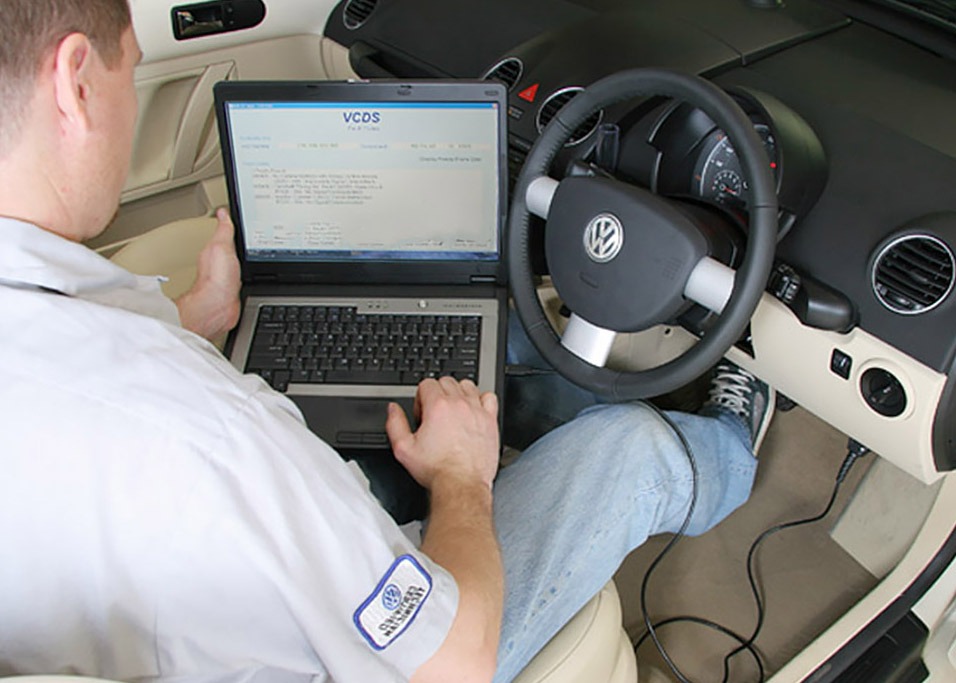
Understanding SFD and SFD2 with Ross-Tech VCDS Diagnostic Tools
Schutz der Fahrzeugdiagnose (SFD) and its successor, SFD2, are modern diagnostic security systems used on newer Volkswagen Group vehicles (VW, Audi, Skoda, SEAT, Cupra) to protect control modules against unauthorised changes. These technologies are now an important topic for anyone using Ross-Tech VCDS diagnostic tools, including HEX-V2, HEX-NET, VCDS-Mobile and VCDS.
What Is SFD in VCDS Diagnostics?
SFD stands for Schutz der Fahrzeugdiagnose (“Protection of Vehicle Diagnostics”). It’s a protocol introduced on many VW Group vehicles from around 2020 onwards that restricts advanced control-module functions such as:
- Coding
- Adaptations
- Basic Settings
- Output Tests
These advanced functions are restricted unless the module is “unlocked” from SFD protection. A VCDS Auto-Scan will clearly indicate SFD protection by appending “SFD” to the VCID line for that module.
Example VCID with SFD protection:
VCID: 43DB1062BB164BA2C69-8016 SFD
This means that while basic reading and fault code functions still work, changes to module settings will be blocked unless the module is unlocked.
SFD2: Enhanced Security on Newer Vehicles
SFD2 is an extension of the original SFD system designed to meet legal cybersecurity requirements (e.g., UNECE R155/R156). Unlike plain SFD, which only restricts certain module functions, SFD2 can require a manufacturer’s digital signature for changes, ensuring that only officially authorised software can modify certain modules. VCDS will show an SFD2-protected module with “SFD+SFD2” on the VCID line. Importantly:
- SFD2 doesn’t replace SFD; it adds extra protection.
- Many driver-assistance, autonomous, and cybersecurity-related modules use SFD2.
How Ross-Tech’s VCDS Detects and Displays SFD
Ross-Tech’s VCDS automatically detects SFD protection during an Auto-Scan. When VCDS performs a scan, it reads each control module’s VCID and checks for protection flags:
- SFD – Advanced functions locked without an unlock token.
- SFD2 – Extra layer of security requiring manufacturer signing.
- -R – Restricted mode where only certain data is available.
VCDS can read these status flags and display them for every module, helping technicians understand what functions are currently blocked and plan their next steps.
Diagnosing Through Firewalls and Diagnostic Filters
Before SFD and SFD2 became widespread, many vehicles already used diagnostic firewalls. These required simple steps, such as opening the hood, to deactivate them for basic VCDS access. With SFD and newer diagnostic filters:
- Some control modules may be completely hidden or in read-only mode until unlocked.
- VCDS includes restricted-mode workarounds allowing read access even when full access is blocked.
Understanding these interactions is key for professionals using Ross-Tech tools on late-model vehicles, as multiple layers of protection may need to be handled one after the other.
Unlocking SFD on VW-Group Vehicles with VCDS
Ross-Tech’s VCDS does support unlocking SFD-protected modules, but the workflow can depend on the vehicle and protection level:
Offline Unlock Tokens
Until VCDS fully automates SFD unlocking, technicians can use offline unlock tokens from approved sources. These tokens:
- Are generated externally (e.g., factory tools or authorised service centres).
- Are entered into VCDS to unlock a module for a limited time (often ~90 minutes).
Once unlocked, advanced functions such as Coding, Adaptation, and Output Tests will function normally within the time window. Ross-Tech is working with VW Group to bring native SFD unlocking to a future VCDS release, with the goal of streamlining the process.
Why This Matters for VCDS Users
SFD represents a key evolution in vehicle diagnostic security. For professionals and enthusiasts using VCDS:
- It’s essential to know when modules are SFD/SFD2 protected.
- You must plan a workflow that integrates unlocking steps into your diagnostic or modification procedures.
- VCDS remains one of the most capable aftermarket diagnostic tools, with advanced support and workarounds compared to generic OBD-II scanners.
SFD + VCDS: What Every Technician Should Know
| Feature | What It Means |
| SFD | Vehicle diagnostic protection. Blocks advanced functions unless the module is unlocked |
| SFD2 | Enhanced security requiring the manufacturer’s digital signature |
| VCDS Auto-Scan | Detects and reports SFD/SFD2 per module |
| Offline Tokens | Temporary unlock method supported by VCDS |
| Restricted Mode (-R) | Read-only access unless unlocked |
With the right tools and understanding, Ross-Tech VCDS empowers you to work effectively even on the latest protected vehicles. Accurate diagnostics start with the right equipment. A genuine VCDS interface provides unmatched access to Volkswagen Group vehicle systems, helping you diagnose and resolve issues effectively. Discover our VCDS tools and take the next step in smarter diagnostics.
From fault codes to advanced functions, VCDS delivers it all. Call 0800 195 1245 or email sales@v-techuk.com to find out how.